
For teachers and schools
Papers, tests and reports — without the late nights
Make a board-style paper from thousands of checked questions, print it with your school's name, give online tests and see how every student is doing.
A two-minute tour for teachers
Watch a board-style paper being made, checked and downloaded.
From topic to printed paper in four steps
Select the topic
Whole book, some chapters or single lessons. Add another book of the same subject to mix them.
Set up the questions
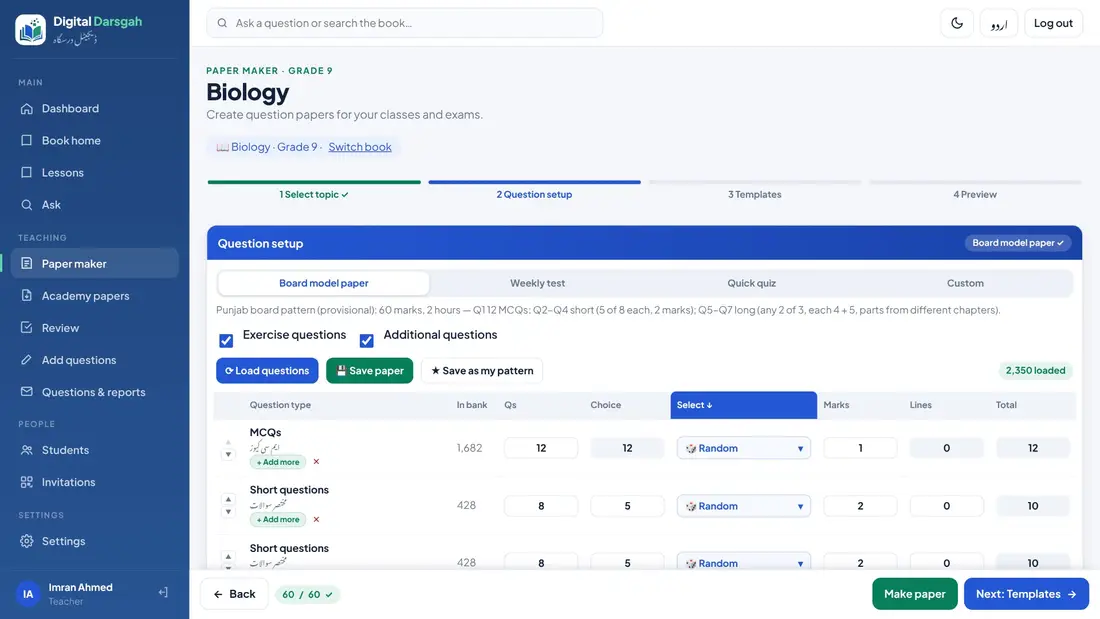
Board pattern in one click, or weekly test, quiz and your own patterns.
Choose the look
Board, modern or compact template, your school's name and logo, A4 or Legal.
Check and download
Balance check, then PDF or Word with the answer key.
The board pattern, or exactly what you want
Every book comes with its board pattern. Change any row: number of questions, choice, marks and lines.
- Random, hand-picked or mixed questions in every row
- Add your own question — private, or shared with your academy
- Exercise questions or additional questions, or both
- Mark past-paper questions by board and year
- Save your own patterns for next time
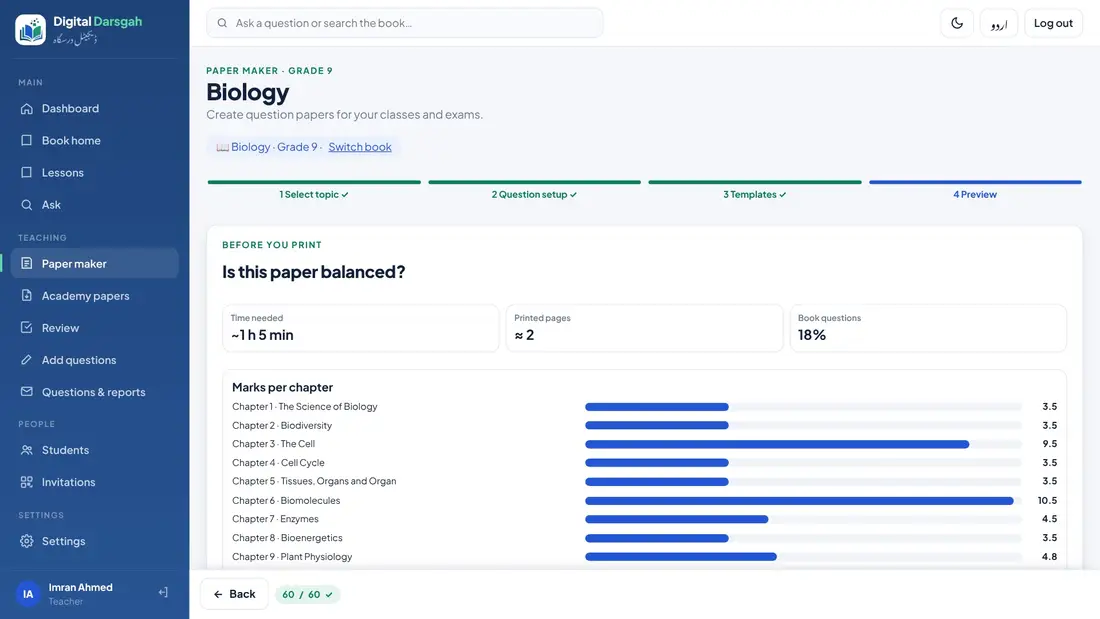
Is the paper balanced?
The paper maker shows the marks of every chapter and the mix of easy, medium and hard questions.
- Warns about questions used in your earlier papers
- Swap any single question with one tap
- Versions A, B, C… with different questions
- Tells you when a topic has too few questions for all versions
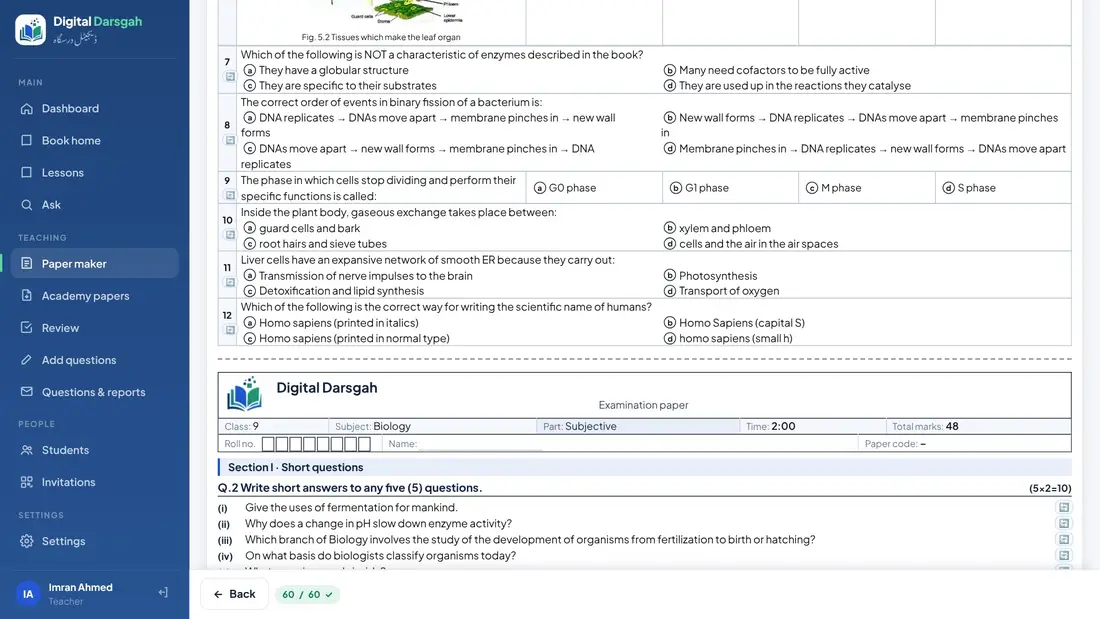
Looks like the real board paper
Objective and subjective parts, roll number boxes, instructions in Urdu or English and your school's header.
- PDF and Word (edit it yourself)
- Answer key and marking scheme, separately
- Bubble sheet (OMR) and its key
- Two papers per sheet to save paper
- Urdu-medium papers right to left
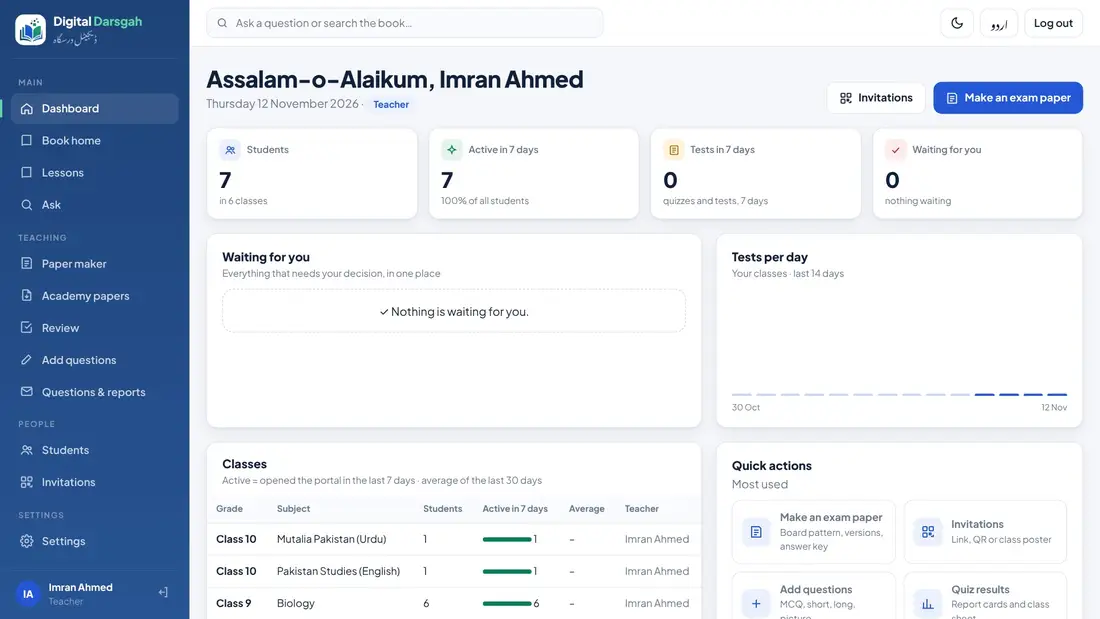
Tests, students and reports
Online tests
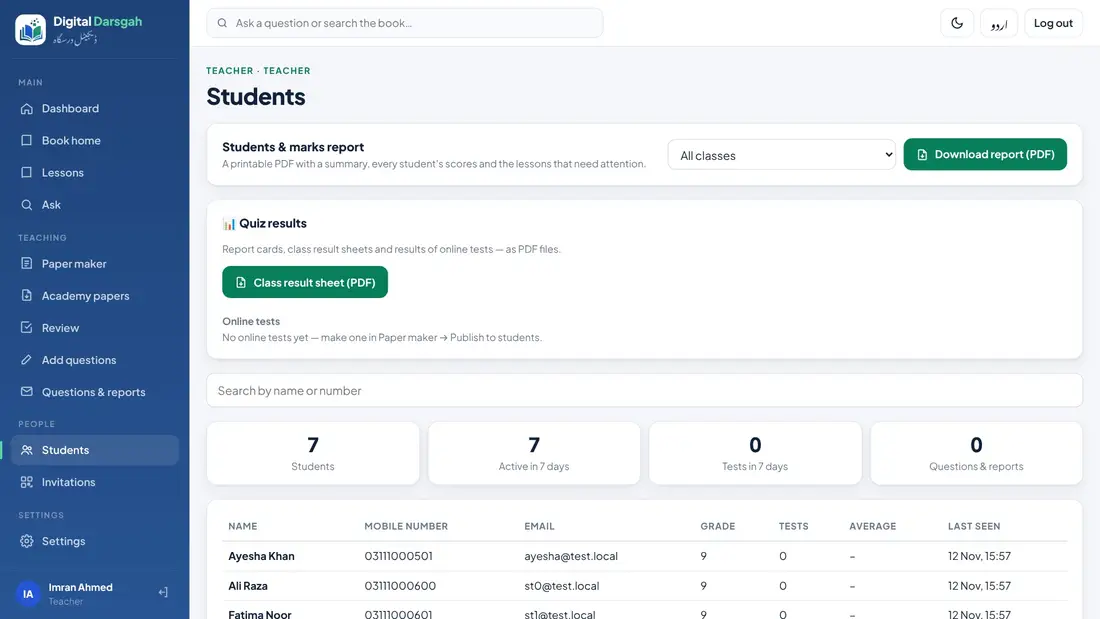
Publish the MCQ part to your class. Students answer in the app and it is marked at once.
Invite your class
One class link, a QR code or a printed class poster — students join in a minute.
Reports
Each student's test results and a class sheet, as PDF.
Questions from students
Answer the questions your students could not solve.
Academy papers
Teachers send papers for approval; the main teacher approves before the exam.
Paper library
After the exam, approved papers are shared with the academy's teachers.
Join with your class
Send us a WhatsApp message and we will send you a link to join.