
How to join
Students, teachers and schools — in a few minutes
Digital Darsgah works with invitations, so every student sees the books of their own class and every teacher sees their own students.
Join as a student
Get the invitation
Ask your teacher for the class link or QR code, or message us on WhatsApp.
Open it and sign up
Enter your name, phone number, email and a password.
Start studying
Your class's books open at once. Add the portal to your home screen.
Join as a teacher
Contact us
Send us your name, school and the classes and books you teach.
Get your teacher link
We send you a teacher invitation for your books.
Invite your class
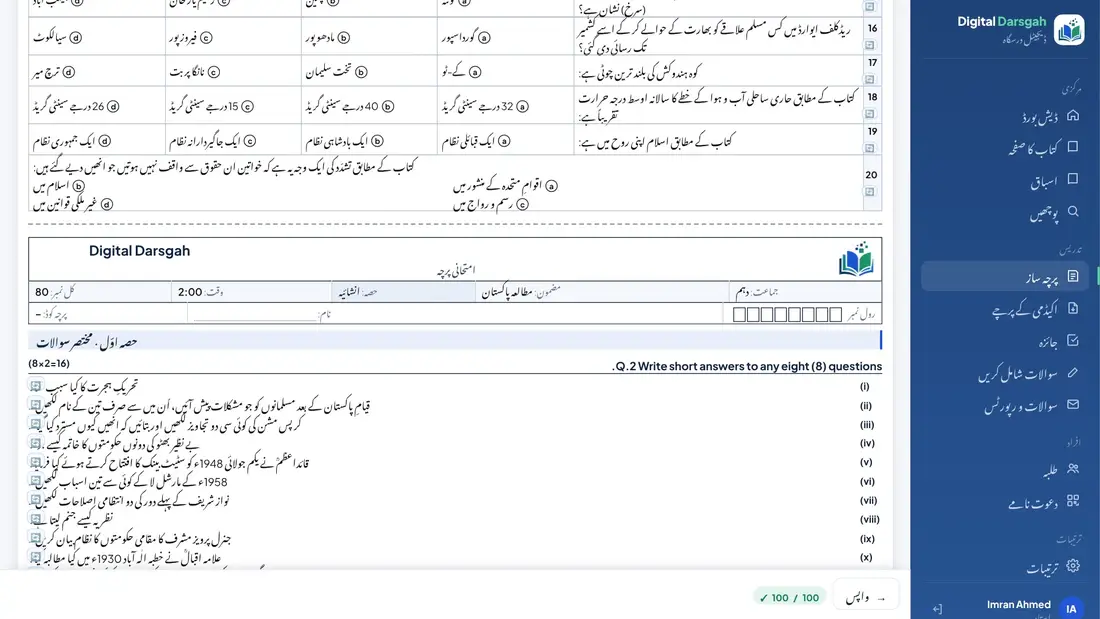
Share your class link, QR code or poster, and make your first paper.
Bring your whole school
One main teacher manages the academy: teachers, classes, papers and approvals.
- All your teachers and classes in one place
- Papers with your school's name and logo
- Papers approved by the main teacher before the exam
- A shared paper library after each exam
Frequently asked questions
Which board is it for?
The Punjab boards (Lahore, Gujranwala, Faisalabad, Multan, Rawalpindi, Sargodha, Bahawalpur, Sahiwal, DG Khan). The books are the Punjab textbooks for Class 9 to 12.
Is it in Urdu or English?
Both. English-medium books have simple Urdu help everywhere, and Urdu-medium books open the whole app in Urdu. You can switch the language at any time.
Do I need to download anything?
No. Open portal.digitaldarsgah.com in your phone's browser and add it to your home screen. The Android app is coming soon on Google Play.
How do I get my books?
Join with the invitation link or QR code from your teacher or from us. The link opens the books of your class. You can ask for another book from inside the app.
Who checks the content?
Every book is written from its pages and then checked again against the book by a separate checker, under the supervision of Prof. Hafiz Muhammad Adnan.
Can I print papers with my school's name?
Yes. Add your school's name in Urdu and English and your logo once; every paper uses them.
Can teachers add their own questions?
Yes. A teacher's own question can stay private for their own papers, or be shared with the academy after the main teacher approves it.
Does it work on a laptop too?
Yes. It works on phones, tablets and computers. Teachers usually make papers on a laptop.
Talk to us
Send us a message on WhatsApp and we will send you a link to join.